Motion design & retouching
From packshot to motion: preparing a retouched product image for animation
How to prepare a product image for animation: plan the movement, preserve exact artwork, organise useful layers and review the still and motion together.
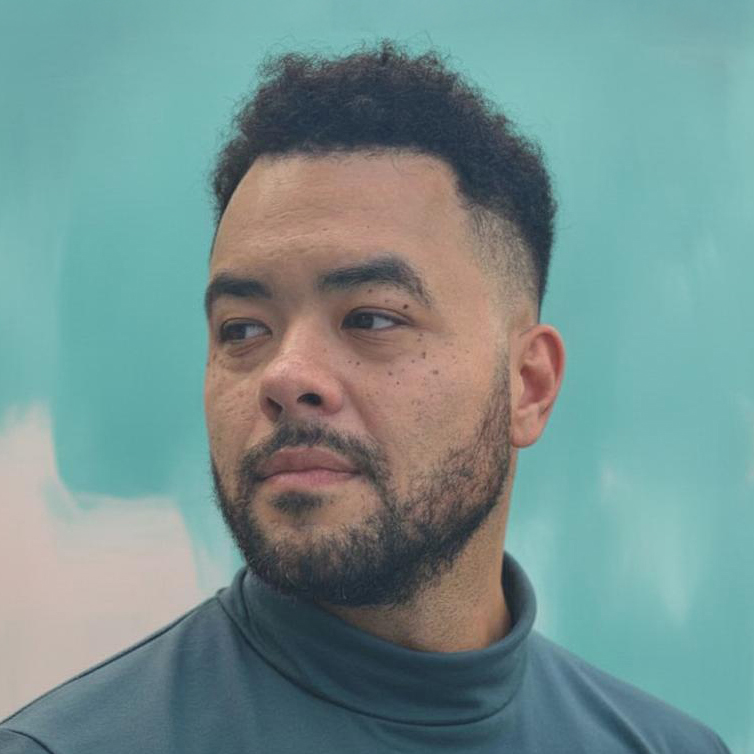 By Ed McCulloch ·
My work began in commercial retouching and developed into After Effects motion design. That combination is especially useful when a finished product image needs to become a film: the image has to hold up as a still, while its layers, edges and reflections also need to support movement.
A polished packshot is not automatically an animation-ready asset. If the product, shadow and background have been flattened together, even a simple camera move can expose missing information. Preparing for motion earlier gives the retoucher and motion designer better material and gives the client clearer choices.
This is a practical guide for agencies and brands planning product motion from photography, supplied artwork or a retouched hero image. The scenarios are production guidance, rather than claims about a particular client project.
Decide what needs to move before finishing the still
Begin with the intended shot. Does the whole product rise into frame? Does the camera travel past it? Will a label catch the light, or will separate parts assemble? The answer changes what needs to exist behind, around and within the product.
For a restrained two-dimensional treatment, the useful pieces might be the product, its cast shadow, a foreground element and a clean background. A wider camera move may need additional image area and more depth layers. A true rotation needs views or geometry that a single front-facing photograph cannot provide reliably.
Agree which details are allowed to move and which must remain exact. The logo, label copy, cap shape and product proportions usually belong in the fixed list. Light, crop, background and supporting graphic elements may have more freedom.
Capture or supply the information hidden by the final composition
A clean plate—the scene without the product—gives the motion designer real background information when the object moves. Extra room around the original crop helps with portrait, landscape and digital-out-of-home versions. If the product casts a distinctive shadow, a separate shadow pass or a second exposure can make that relationship easier to control.
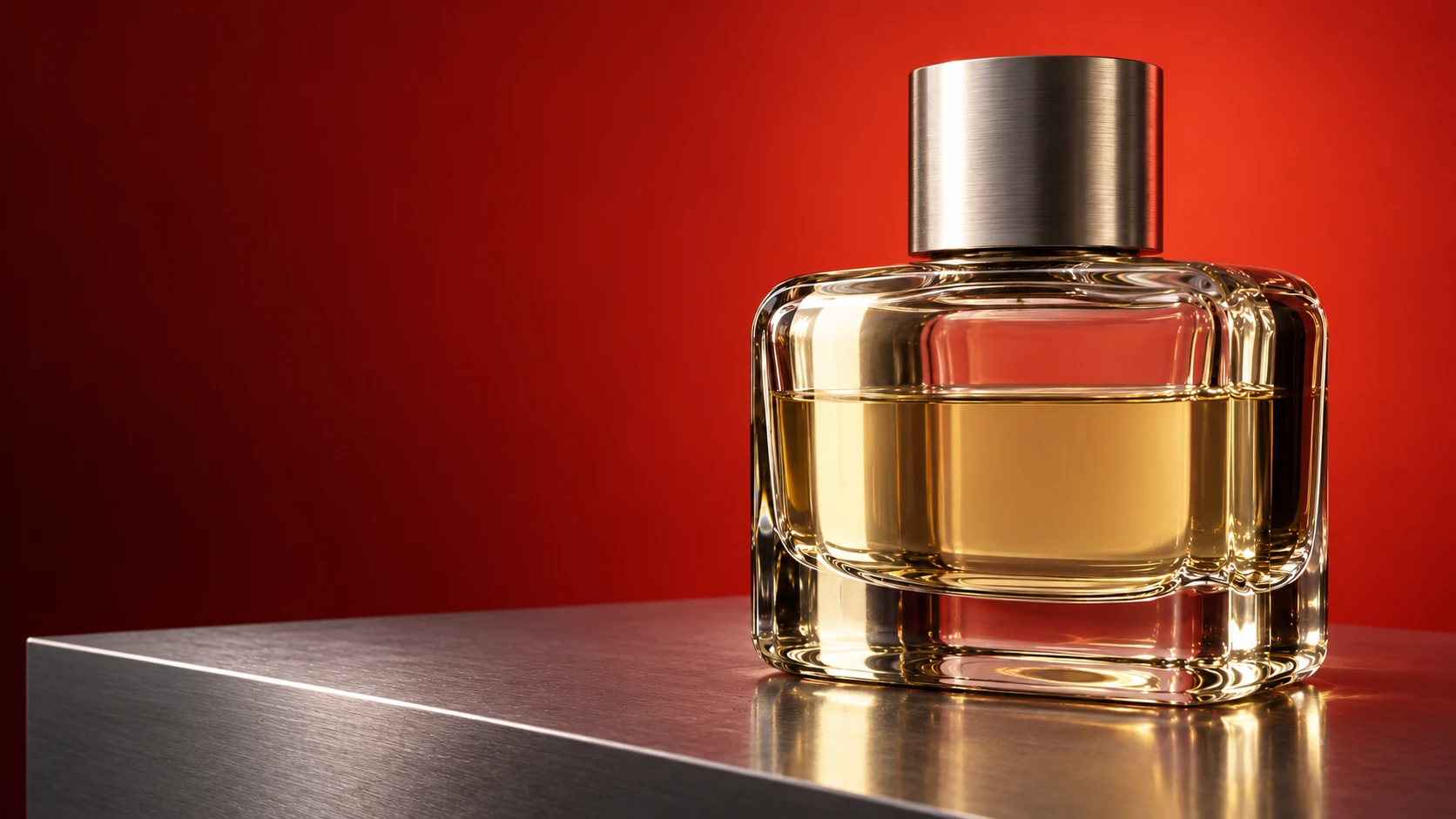
Reflective products benefit from more than one useful exposure. A bright reflection may describe the edge beautifully while losing label detail; a darker frame may hold the artwork but flatten the material. Retouching can combine the useful information, provided the camera and object remain registered.
Supply the highest-resolution originals, approved vector logos or label artwork, colour references and any product renders that already exist. A small web JPEG can be a visual reference, but it gives less latitude for a close crop, edge repair or a large-format delivery.
Organise layers around the animation, not the Photoshop history
An animation file does not need every temporary curve, cleanup layer and experiment exposed. It needs meaningful groups that describe what can move: product front, cap, label artwork, reflection, contact shadow, background and foreground, for example.
Adobe documents that After Effects can import a Photoshop file as a composition and retain supported layer positions, masks, transparency, blending modes and other attributes. Its current guidance also recommends unique layer names and grouping related elements when they should animate as one unit.
The handover should therefore be a considered layered PSD, with clear names and a flattened reference showing the approved appearance. Keep a full retouch master separately if the animation handoff simplifies the layer structure. The reference frame lets everyone check that the import still matches the signed-off image.
Keep approved artwork replaceable
Logos, screens and labels often change late. Keep exact artwork separate from painted highlights and shadows so a copy correction does not require rebuilding the entire product.
Photoshop Smart Objects can preserve source content and allow replacement while retaining transformations. That makes them useful for artwork positioned in perspective, provided the replacement uses the expected proportions and the result is checked rather than assumed.
If a label wraps around a curved container, separate artwork is only the starting point. The final composite still needs the right distortion, occlusion, print texture, highlight behaviour and edge falloff. Review the replacement at the largest intended delivery size.
Treat reflections and shadows as part of the product
A reflection describes surface and shape. Pulling it away from a moving bottle can make the material feel hollow; locking every reflection to the product can make the lighting feel painted on. Decide whether each highlight belongs to the object, the environment or a controlled graphic treatment.
The contact shadow explains weight and position. If the product lifts, the shadow should respond in direction, softness and density. If the camera moves, the relationship between object, surface and background should remain coherent.
This is where retouching judgement carries into motion design. Clean edges matter, but believable light and material matter more than an isolated perfect cutout.
Set the colour path before files begin moving between applications
Record the document colour profile and intended output. Adobe’s Photoshop guidance recommends preserving embedded profiles for most workflows and embedding a profile when saving supported formats, so another application has information for interpreting the colour values.
Adobe also notes that layered Photoshop files need RGB or Grayscale mode for After Effects to import them as separate layers; unsupported layered colour modes are imported as a flattened image. If the final campaign includes print, web and motion, create the appropriate output conversions from an agreed master rather than treating one exported JPEG as the colour authority for every medium.
Review colour on the actual delivery path where possible. A still approved in one application can look different after conversion, compression or playback, even when the creative grade has not changed.
Choose an animation treatment the source can support
A layered still can support elegant movement without pretending to be a complete three-dimensional product. Controlled parallax, a moving crop, selective light animation and graphic transitions can add depth while preserving the photographed view.
If the brief requires a full orbit, changing perspective or exact interaction with another object, ask whether additional photography, a product model or a 3D build is available. AI-generated views can support concept development, but an approximate reconstruction is a poor substitute when packaging geometry and artwork must remain exact.
The strongest approach follows the source. A subtle move that protects the product can communicate more confidence than a technically ambitious shot that causes the label or silhouette to drift.
Review the approved still and the moving shot side by side
At the first motion review, compare a representative frame with the approved retouch. Check product proportions, label position, surface colour, edge treatment and the direction of key reflections. Then watch the shot at normal speed and at its intended display size.
Some issues appear only over time: a mask edge chatters, a reflection slides, a shadow arrives late or an eased camera move makes the product feel weightless. Other problems are visible only in a still. Both views are needed.
Approve the motion master before creating every format, then check the important crops individually. A portrait version may need a different camera path or layer arrangement rather than a narrower window onto the landscape film.
A concise handover checklist
For a quote or production handover, send the approved still, layered source where available, original photography or renders, exact artwork, brand colour references and the list of required formats. Add a short description of the intended movement and identify the elements that must remain exact.
State whether you need finished films only or editable source as well. Name the person approving the product appearance and the person approving the motion, especially when those decisions sit with different teams.
I’m Ed McCulloch, a motion designer and retoucher based in Salford, Greater Manchester, working with UK and international agencies and brands. Planning the retouch and animation together creates a cleaner path from hero image to finished motion—and makes the limits of the source visible before production begins.
- Source material
- Highest-resolution photography or renders, clean plate where available, layered retouch master and an approved flattened reference.
- Brand-critical elements
- Vector logo or label artwork, exact copy, colour references and a list of shapes or proportions that cannot change.
- Motion brief
- Intended action, camera movement, duration, placements, aspect ratios, sound requirements and delivery specification.
- Approval
- Named reviewers for product accuracy, creative motion and final delivery files.