Motion design & sound
Sound design for product motion: decide what deserves a sound
Plan sound alongside product animation: choose the important cues, protect the voiceover, leave space and review the film with and without audio.
 By Ed McCulloch ·
A product film can become noisy without becoming more expressive. A sweep accompanies every camera move, a click lands on every cut and the music fills every pause. Each sound may work on its own, but together they give every moment the same weight.
The useful decision comes earlier: which event deserves our attention? Planning sound while the sequence is still simple gives the edit and animation a shared structure. It also leaves room for a small interaction to feel different from the main product reveal.
Choose the moments before choosing the effects
Start with the message and identify a few meaningful events: the product arrives, a control moves, a result becomes visible. Write down what each sound would contribute. It might suggest contact, mark a change or bring a sequence to a close. If the reason is only that something moved, try the moment in silence first.
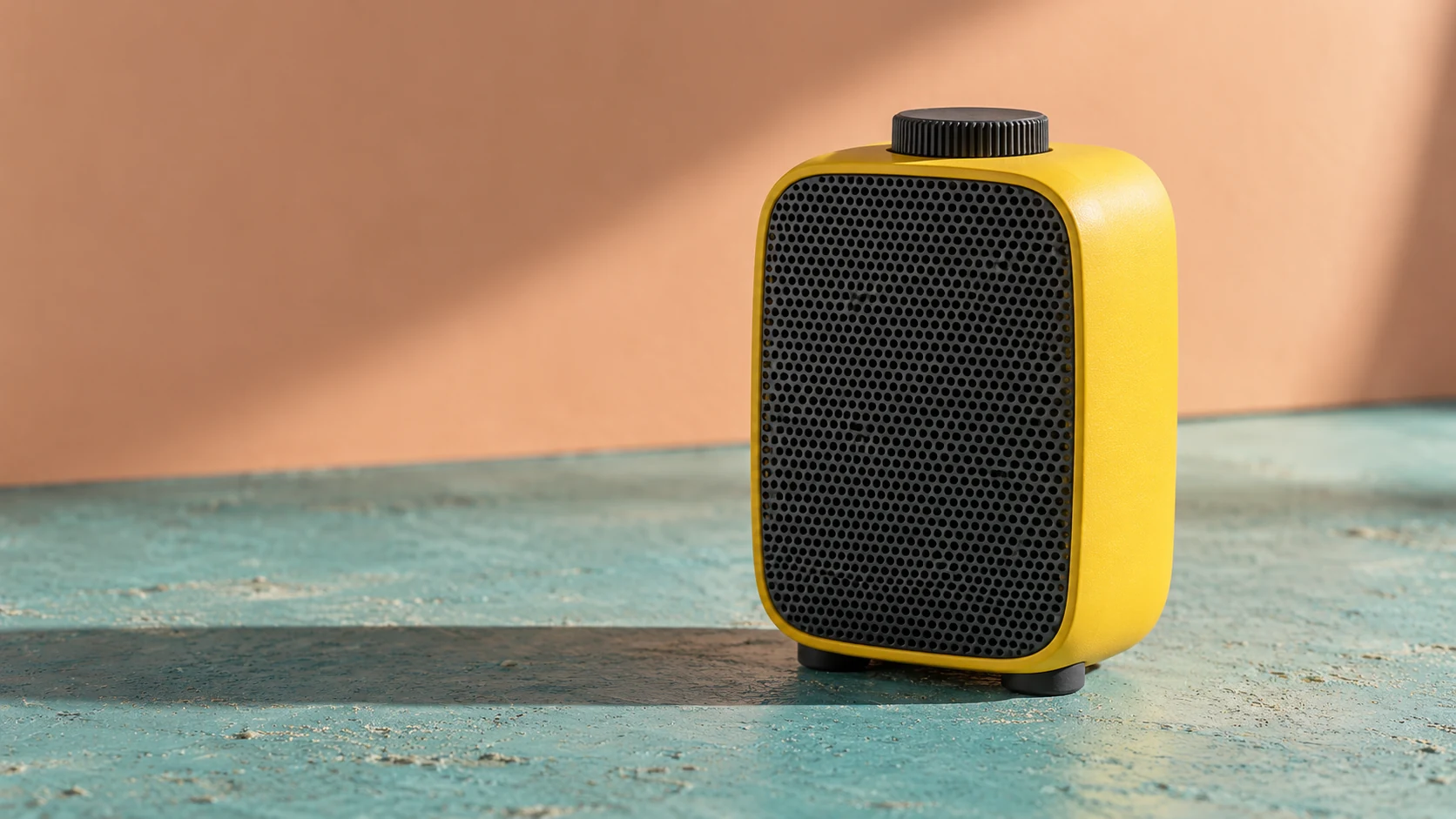
For the hypothetical yellow-speaker concept, a broad reveal could have a short tonal swell that settles as the object comes to rest. A later dial interaction could use a much smaller tactile cue. These are proposed creative choices, not sounds recorded from a real product or evidence of its mechanism.
Give music, contact and voice different jobs
Music can establish pace and emotional direction. Material sounds can make an interaction feel close. Voiceover carries language that must be understood. Decide which layer leads each section rather than asking all three to compete throughout.
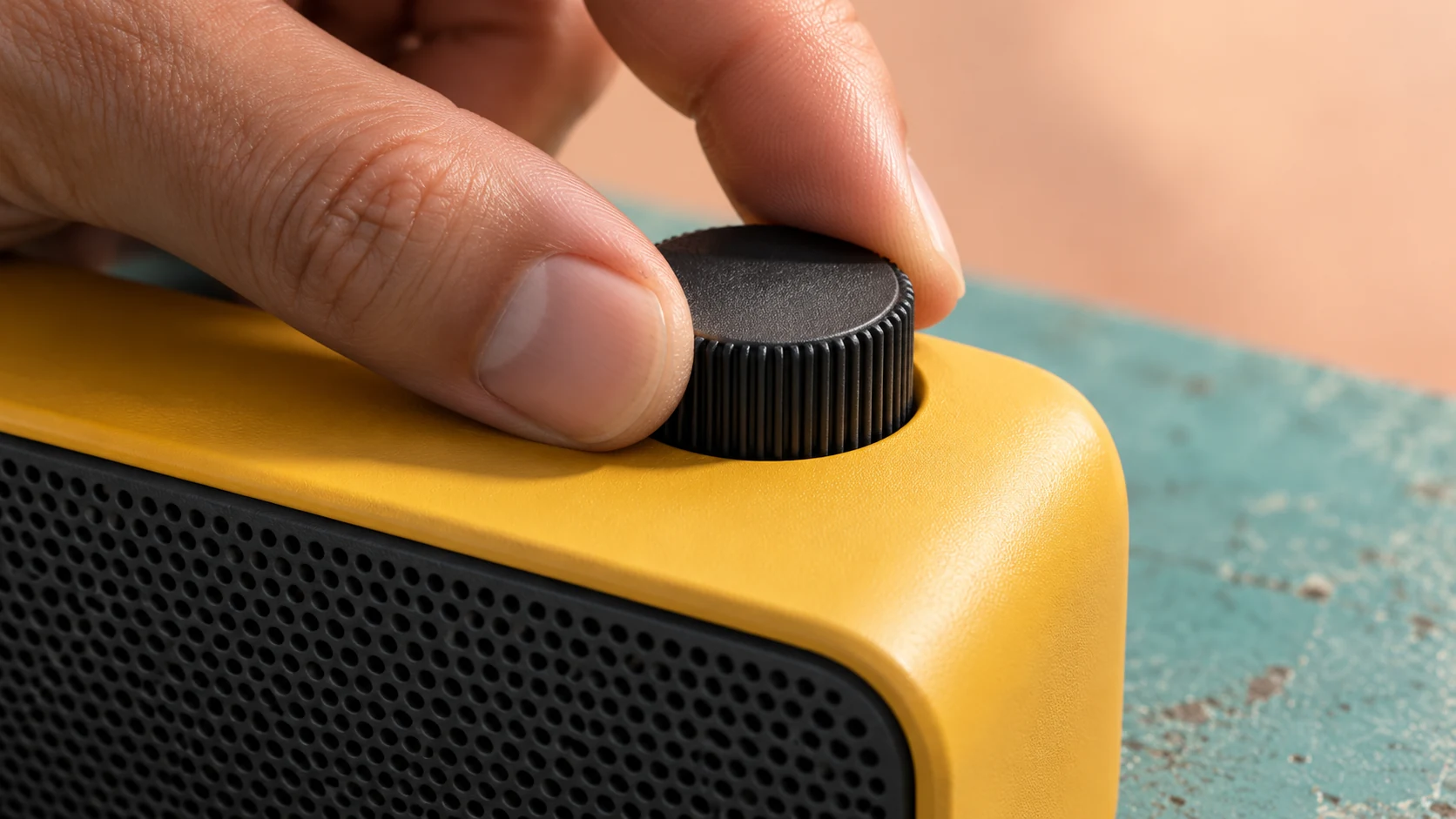
A close dial shot invites attention to a particular contact point. An understated tick might suit a control with detents; a smooth control might need a different treatment or no mechanical cue. Confirm actual product behaviour before implying it in an advert. A convincing sound can still communicate an inaccurate feature.
Leave room around the important cue
Try reducing the surrounding activity before making a cue louder. A brief thinning of the music, a held image or a pause between phrases can create space for a small sound. Continuous emphasis makes the next emphasis harder to notice.
The close study isolates fingers meeting a rotary dial. It suggests where a cue might belong, but a still cannot demonstrate synchronisation. In the moving version, compare the sound against the visible moment of contact or change. Listen for whether the relationship feels deliberate rather than automatically attaching an effect to the cut.
Keep the timing easy to revise
Build a rough sequence with temporary audio before committing to every movement. Mark the reveal, interaction and final hold so the motion designer, editor and sound designer can discuss the same events. In After Effects, composition and layer markers can hold timing notes; choose the appropriate scope for the cue.
Keep product movement, typography and audio separable. If a headline needs a longer reading hold, the sequence should be adjustable without rebuilding its whole rhythm. For repeated versions, shared timing controls or scripting can help keep approved animation changes consistent; each export still needs a playback check.
Review the film in several listening conditions
Watch once without audio. The product action and message should remain understandable wherever silent viewing is expected. Then listen without looking: are the important moments distinct, and does a sound promise something the picture never delivers?
Review the actual export on the intended playback setup as well as your working headphones. Check that speech remains understandable, small cues survive where needed and the ending does not cut off unintentionally. Agree the delivery specification and audio rights for the placement. The final approval should cover picture, sound and their relationship, not just the animation in isolation.