AI filmmaking & shot design
From AI clips to a fashion film: designing the sequence
Plan an AI fashion film through shot purpose, continuity, editing, sound and compositing, with a practical checklist for building a coherent sequence.
 By Ed McCulloch ·
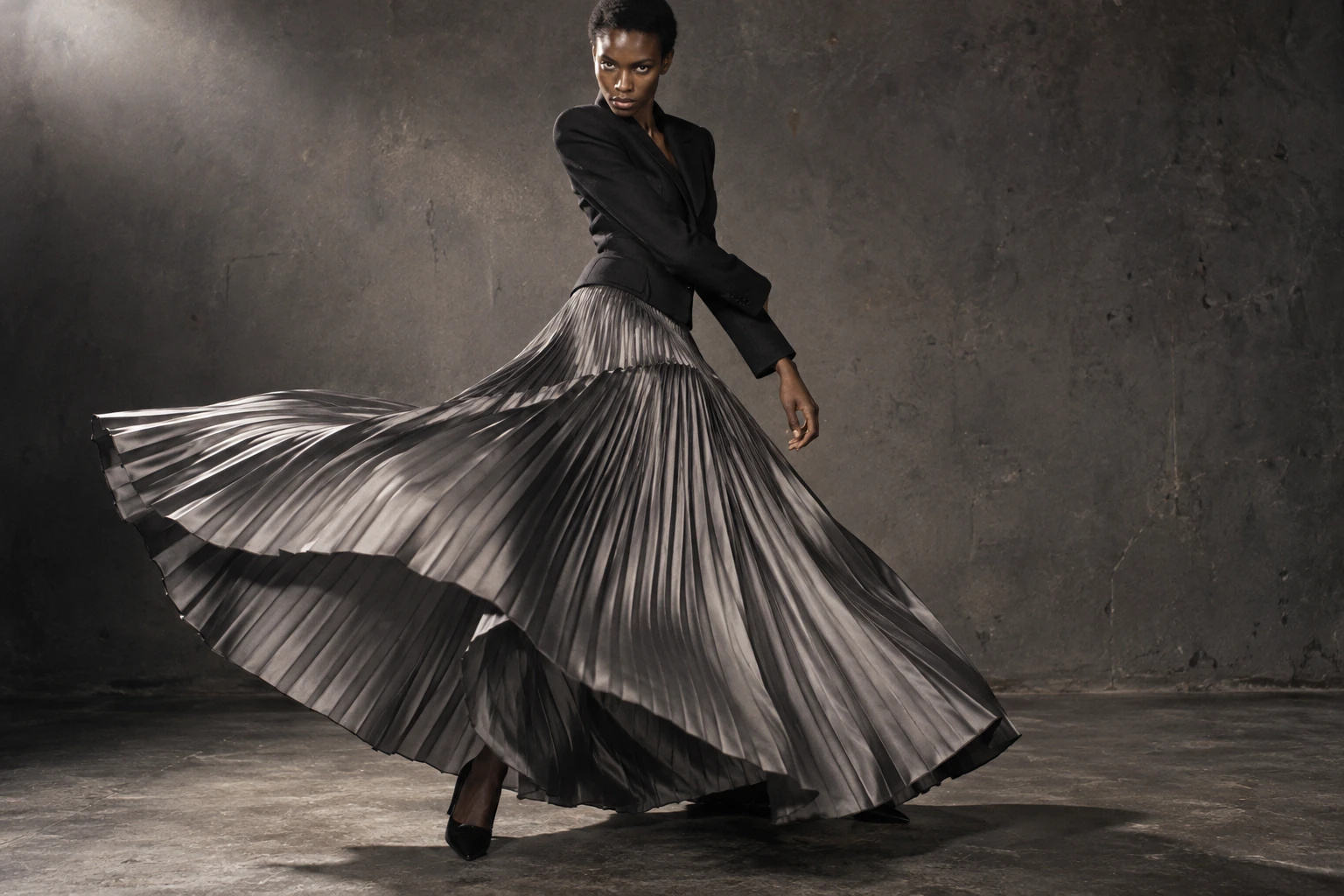
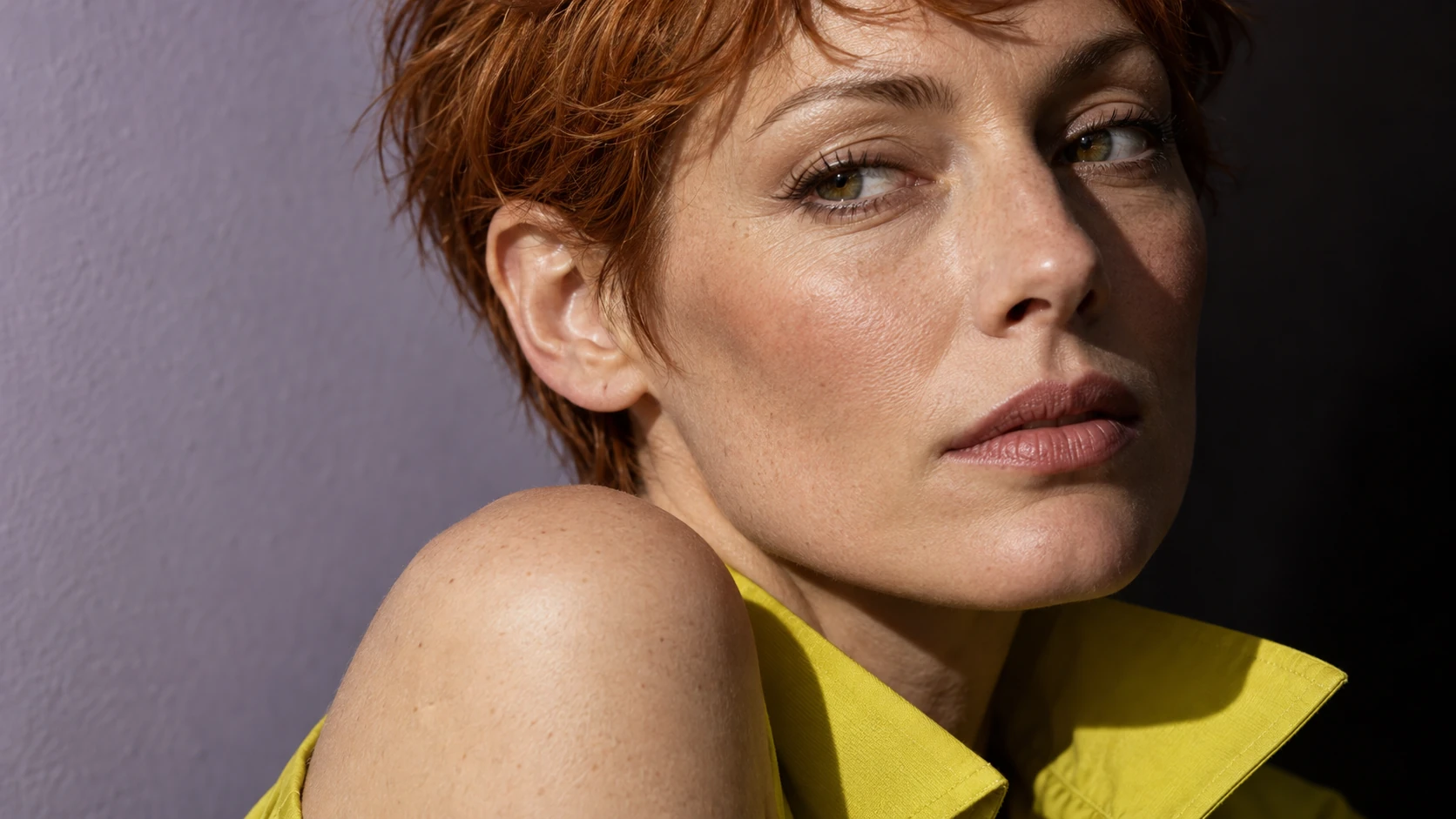
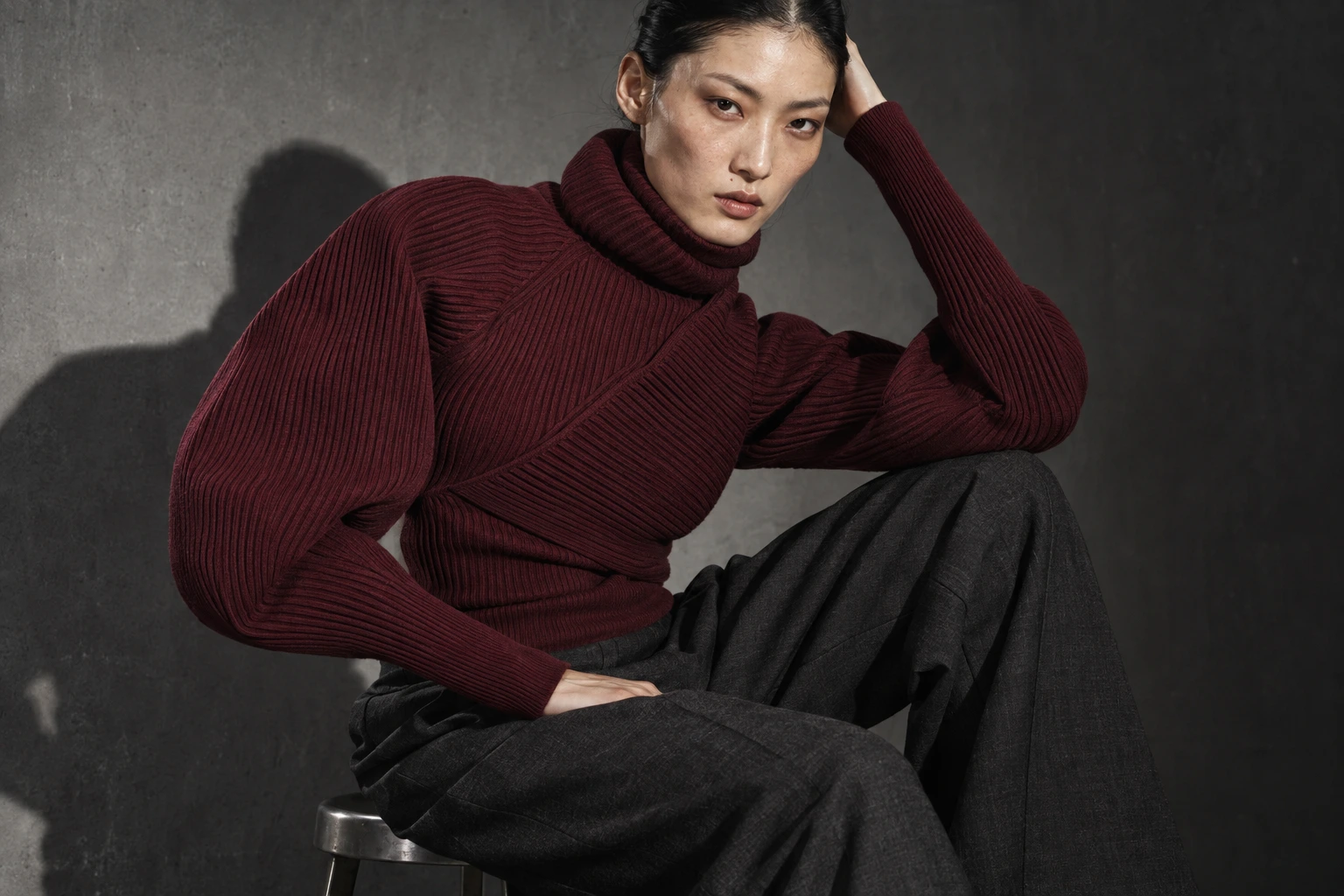
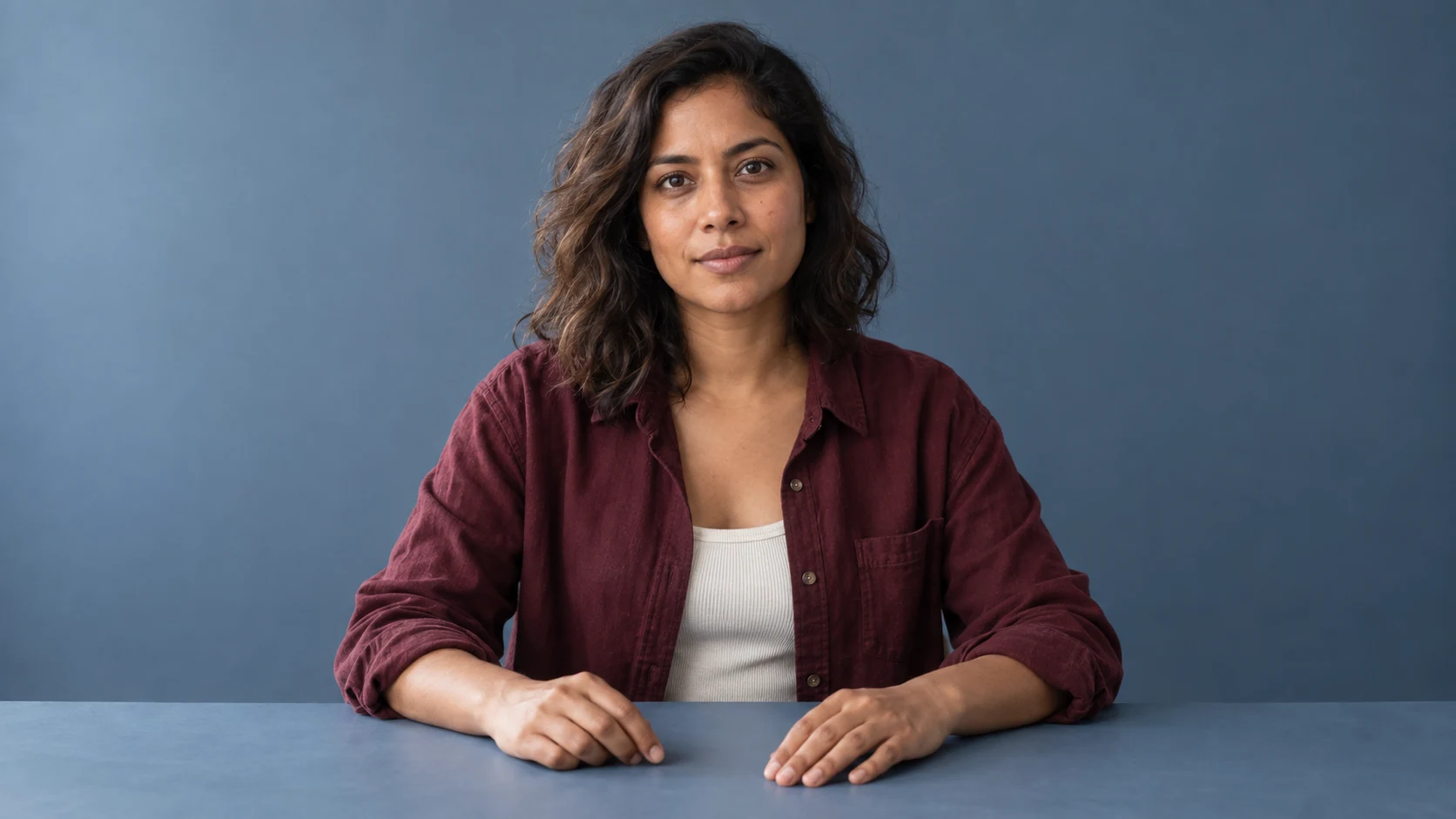
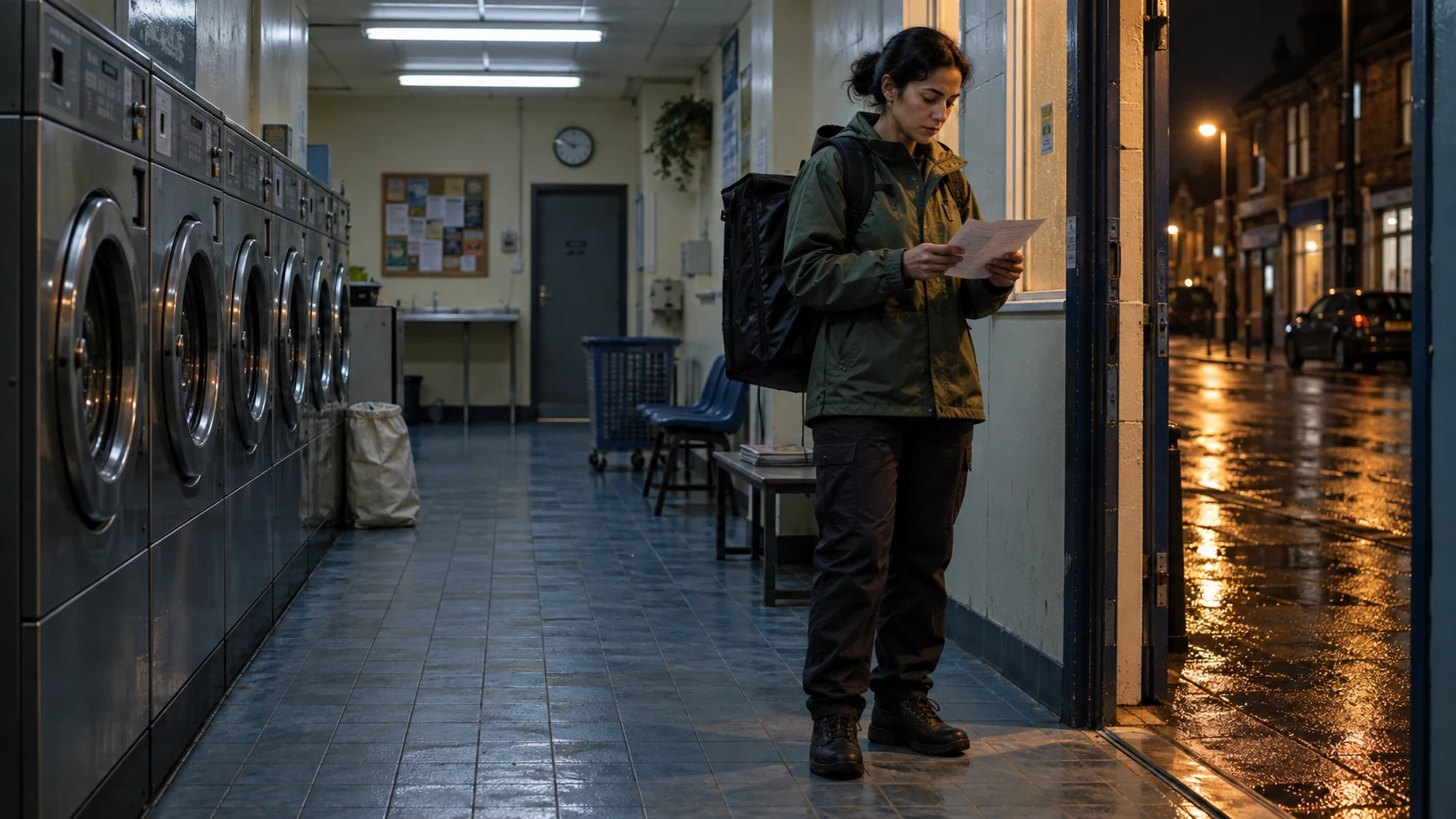
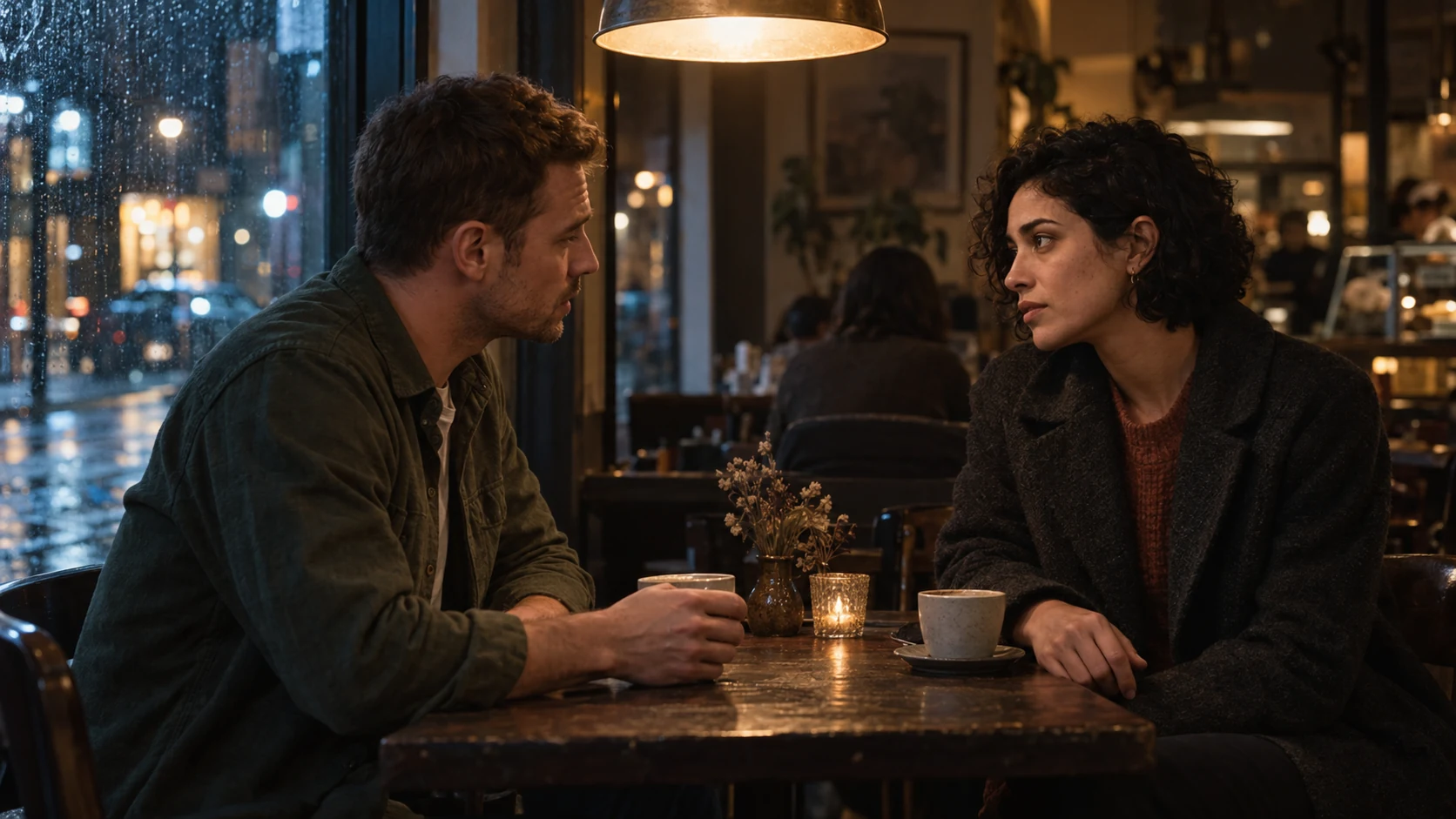
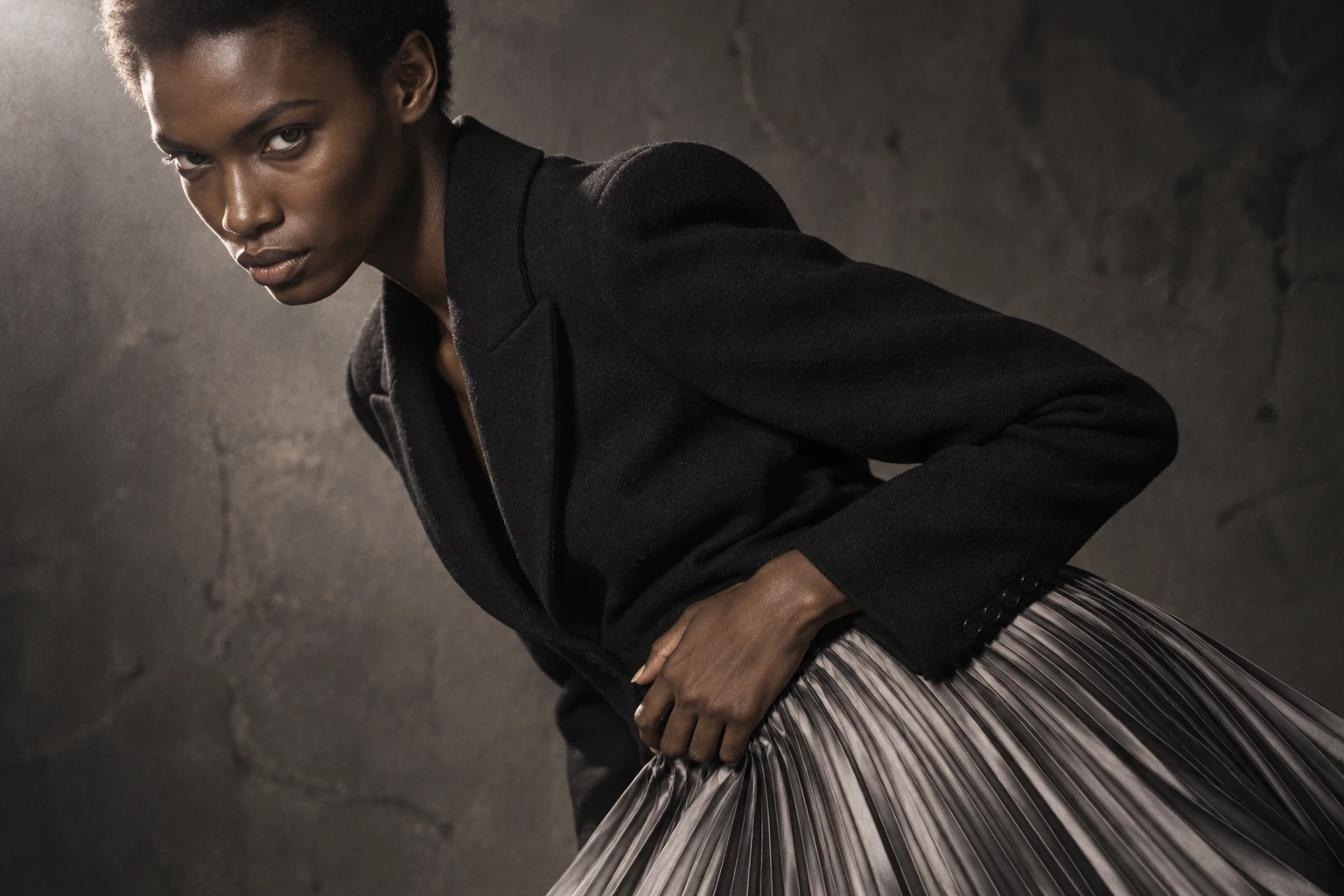
A moving portrait, a fabric close-up and a dramatic wide can each be strong images. Put them together and they may still feel unrelated. A film needs decisions about what each shot contributes and how the viewer moves between them.
Before generating more material, define what the audience should notice: the silhouette, a construction detail, the feeling of the collection or a change in the character’s presence. That decision gives the sequence something to build around.
Give each shot a job
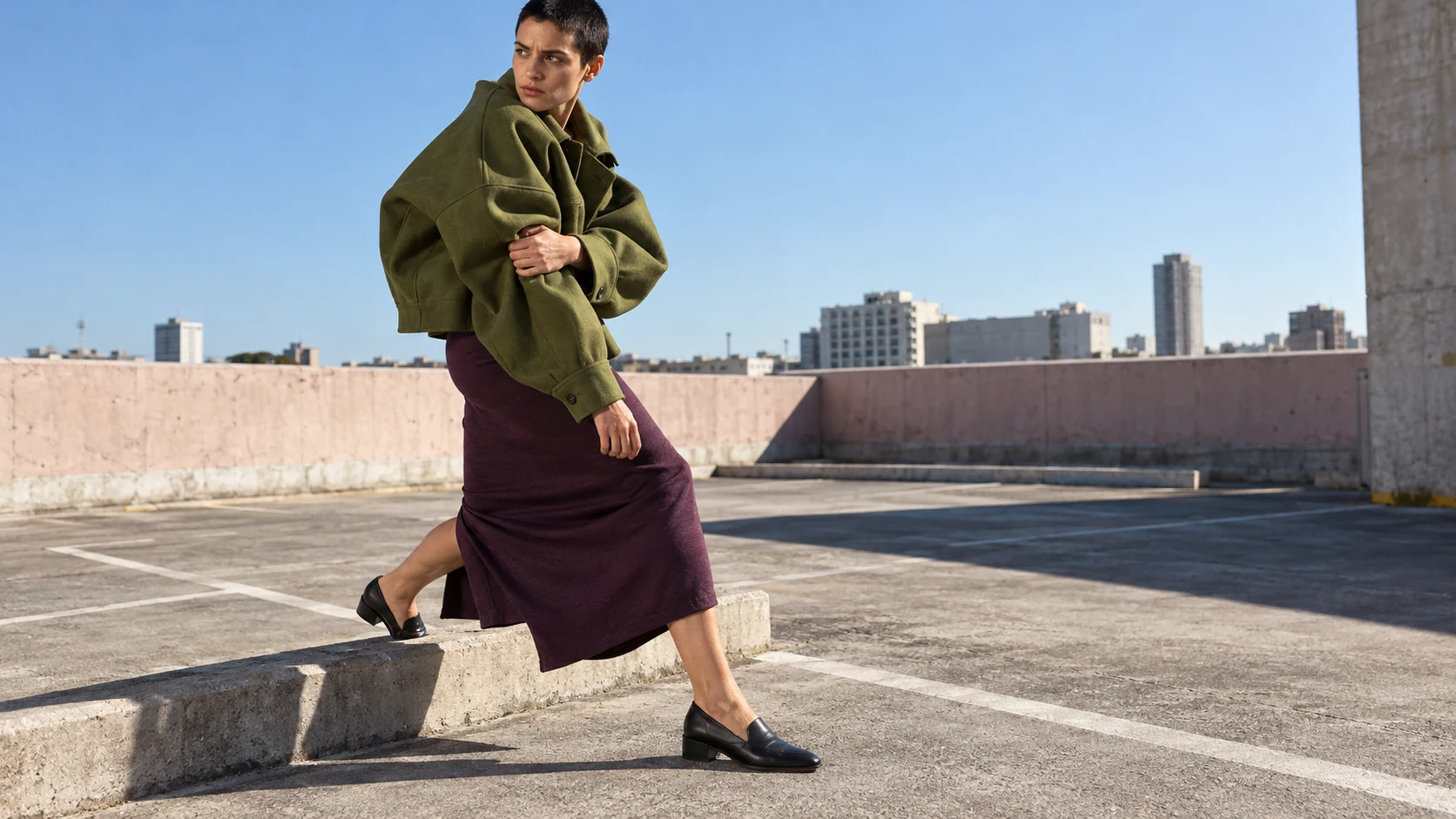
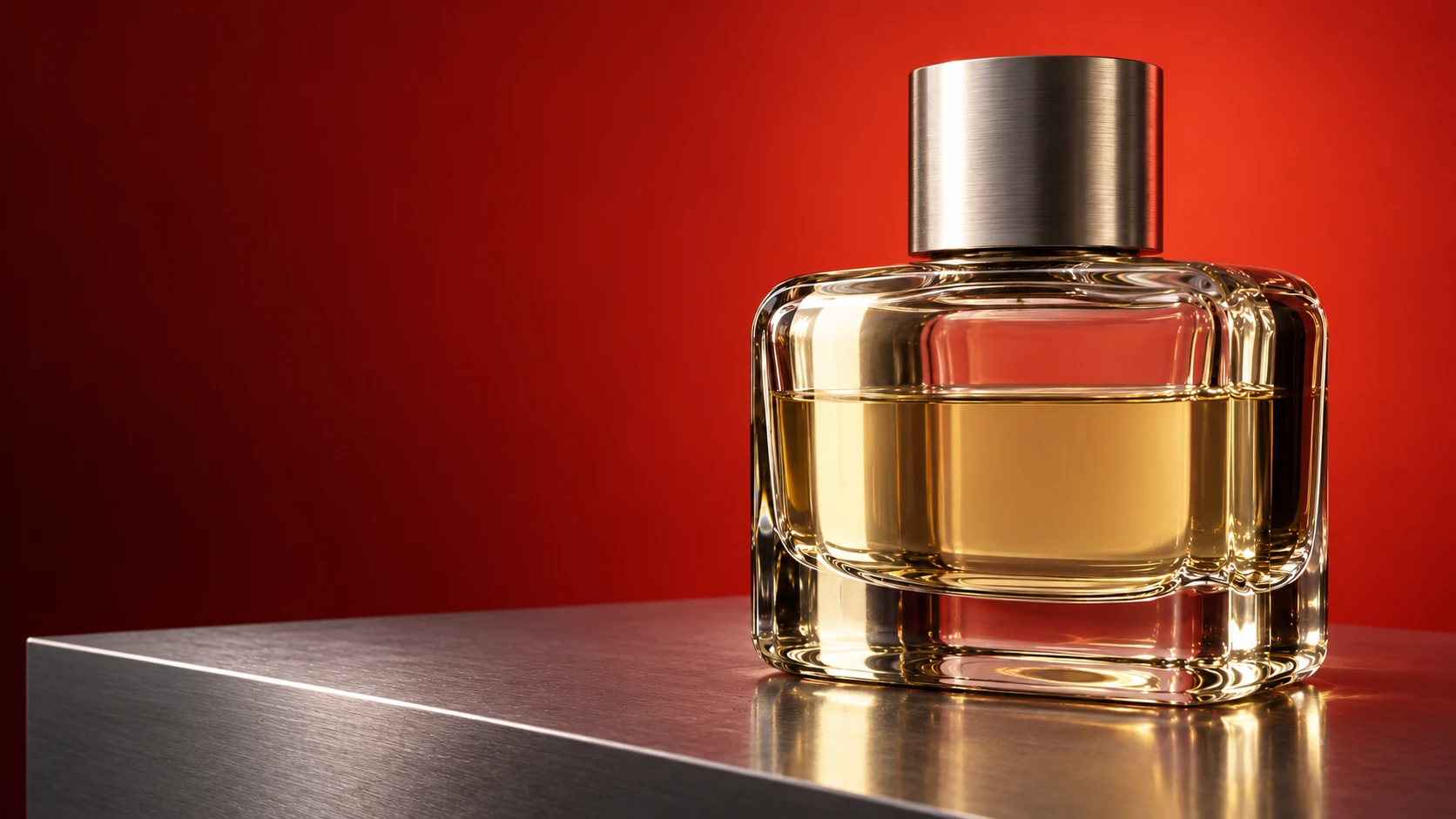
A useful short sequence might establish a figure, move closer to a material detail, reveal a deliberate action and resolve on a campaign frame. This is a starting structure, not a requirement to use four shots every time.
Remove a shot if it only repeats what another already communicates. Keep a held image when stillness gives the next movement meaning.
Separate subject movement from camera movement
Decide what the subject does before adding a camera move. A turn, a step or a hand touching fabric can be enough. Then decide whether the camera needs to follow, reveal or remain still.
Giving every layer movement can weaken the moment that matters. A fixed frame with one clear action may describe the garment better than a complex orbit.
Write down the continuity locks
Across the sequence, compare identity, garment construction, accessories, light direction and environment. Distinguish an intended change from an accidental one. A cut can change viewpoint without changing the collar or the position of a closure.
Review the transition between shots as carefully as the individual frames. Similar shots can reveal inconsistencies when placed directly beside each other. A different shot size may improve the edit, but it should not become a way of concealing a materially incorrect product.
Build the edit before polishing every clip
Make an early assembly to test duration, shot order and rhythm. Add temporary sound with a clear status and replace it with cleared audio for publication. Listen for where a cut needs emphasis and where silence lets an image breathe.
A beautifully finished shot may still be unnecessary. Find that out while the sequence remains easy to change.
Define the finishing work
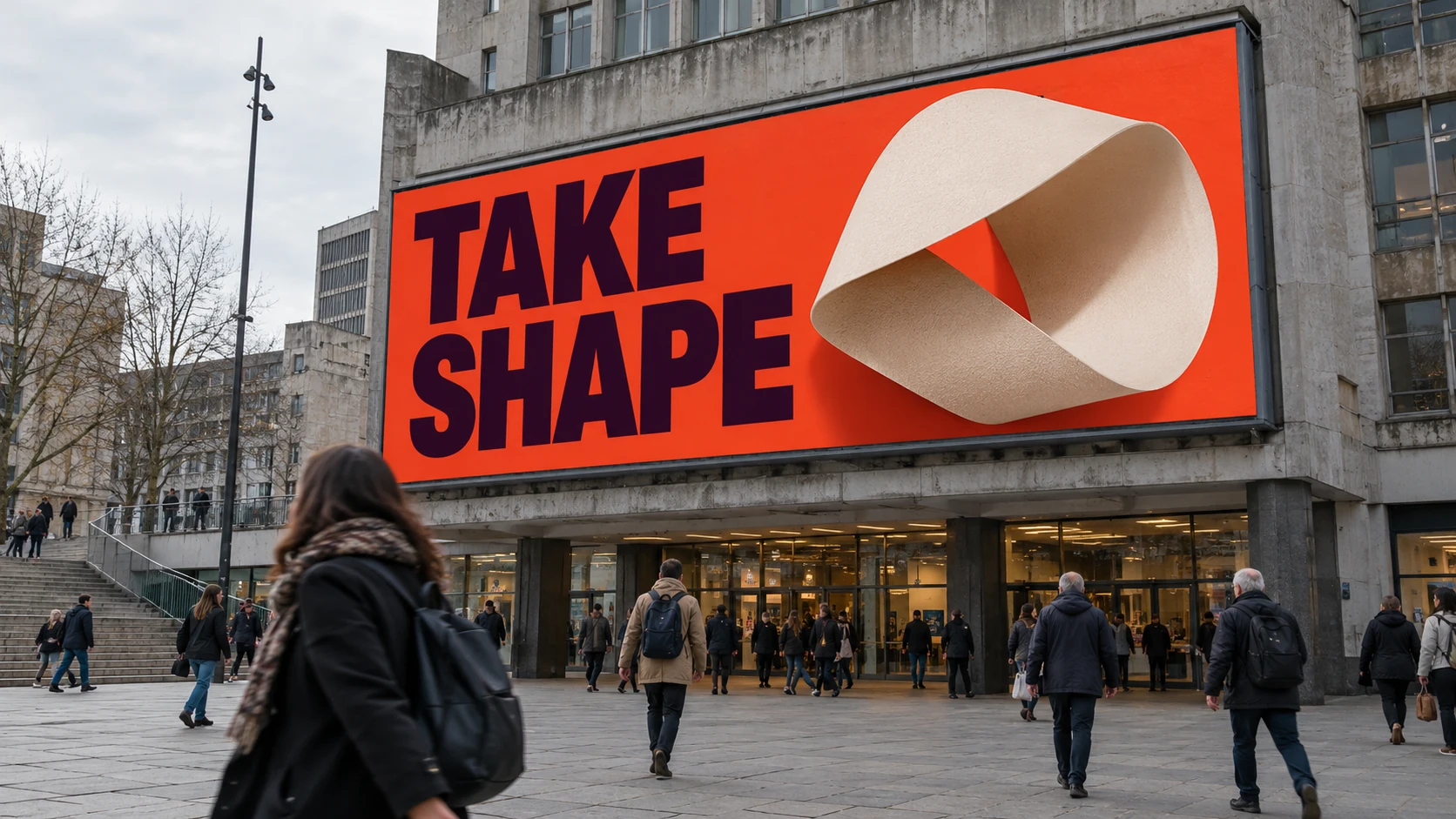
Assign specific tasks to the finishing stage: a local repair, tracked typography, a controlled transition, a composite, a colour match or a final delivery crop. Use After Effects where designed animation and compositing give control over the result.
Keep brand text and exact graphic elements under direct control when accuracy matters. Check the finished sequence in motion as well as on selected frames.
The strongest result gives every shot a reason to exist. Direction, edit and finishing make the material feel like one film.