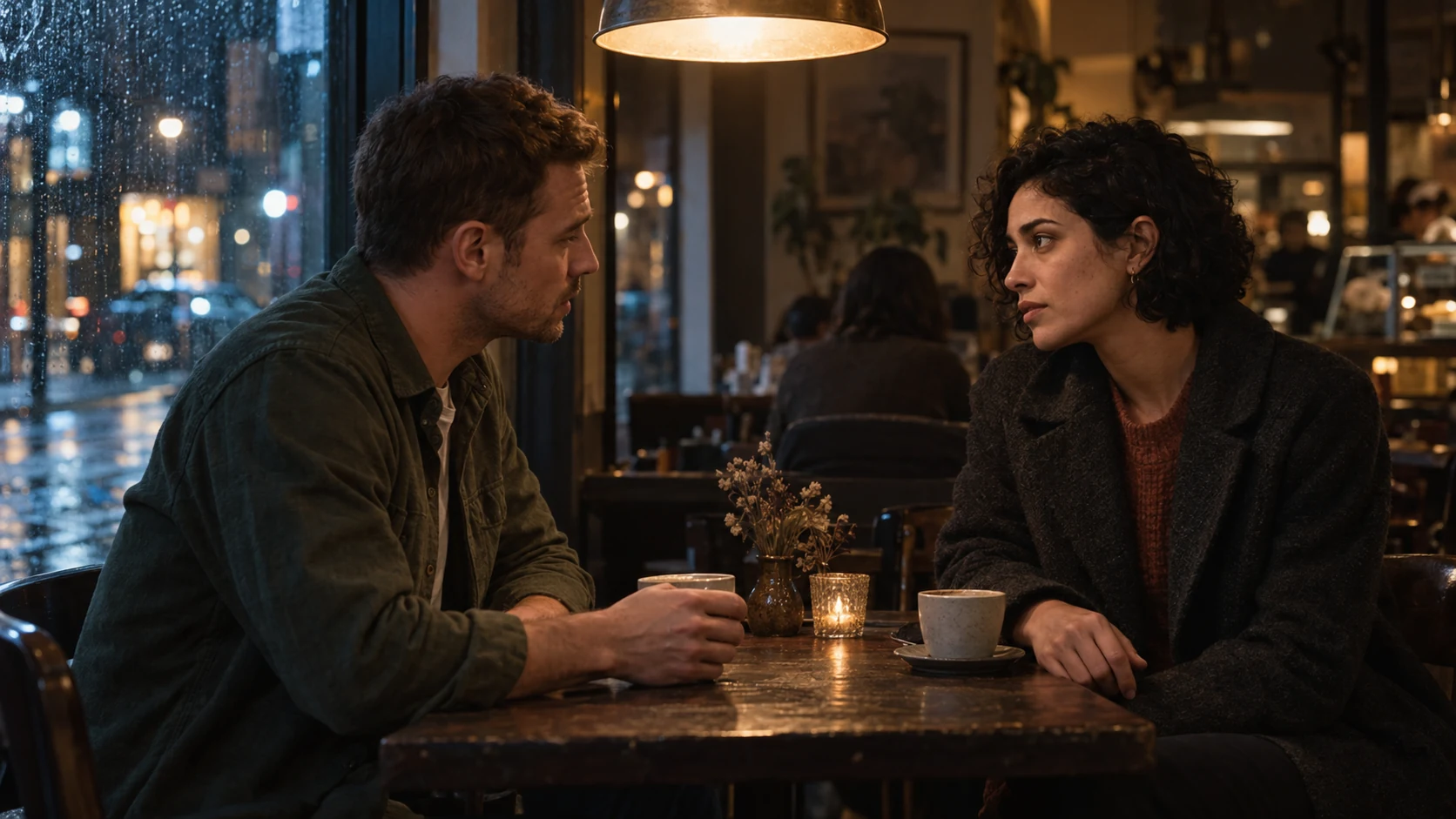
AI imagery & compositing
Stock is dead… long live stock: AI as a creative source material
Replacing a hand, changing a pose, relighting and extending a frame: how I use AI as source material for better imagery and video.
 By Ed McCulloch ·
Stock is dead… long live stock.
It is a deliberately provocative way of describing a shift in how I work. Stock photography and footage still have a place. What feels different is how much of the source image I can now reshape around an idea.
I use AI to add a new hand, change a model’s pose or position, alter the lighting and extend an image. Sometimes the most useful result is one small piece that makes the wider composition work.
That is why I think of AI as a stock medium: material to direct, select, combine and finish. Its value is not limited to generating an entire image from scratch.
The image that is almost right
A familiar problem with stock is finding an image that is close to the brief. The expression works, but the hand does not. The location feels right, but the person is on the wrong side for the layout. The crop is too tight. The lighting belongs to a different campaign.
Retouchers and compositors have always found ways around those problems. We could combine exposures, borrow an element from another image, paint, rebuild or shoot something new. AI has not invented any of those creative goals.
What it changes is the material available to solve them. Instead of finding another photograph with precisely the right wrist angle and light, I can explore a replacement built around the composition I already have. It still needs judging and integrating, but the starting point becomes less fixed.
A hand can change the whole image
Hands do more than fill a gap. A grip tells us how heavy something is, how it is being used and whether the person actually belongs with the product.
When I add or replace a hand, I look beyond the finger count. The wrist has to connect to the sleeve. The fingers need to wrap around the object rather than merge with it. Pressure, overlap, shadow and scale make the contact believable.
A technically tidy hand can still be the wrong gesture. A delicate hold, a firm grip and a passing movement tell different stories. The useful edit is the one that supports the idea.
A demonstration: from a resting pose to a product interaction
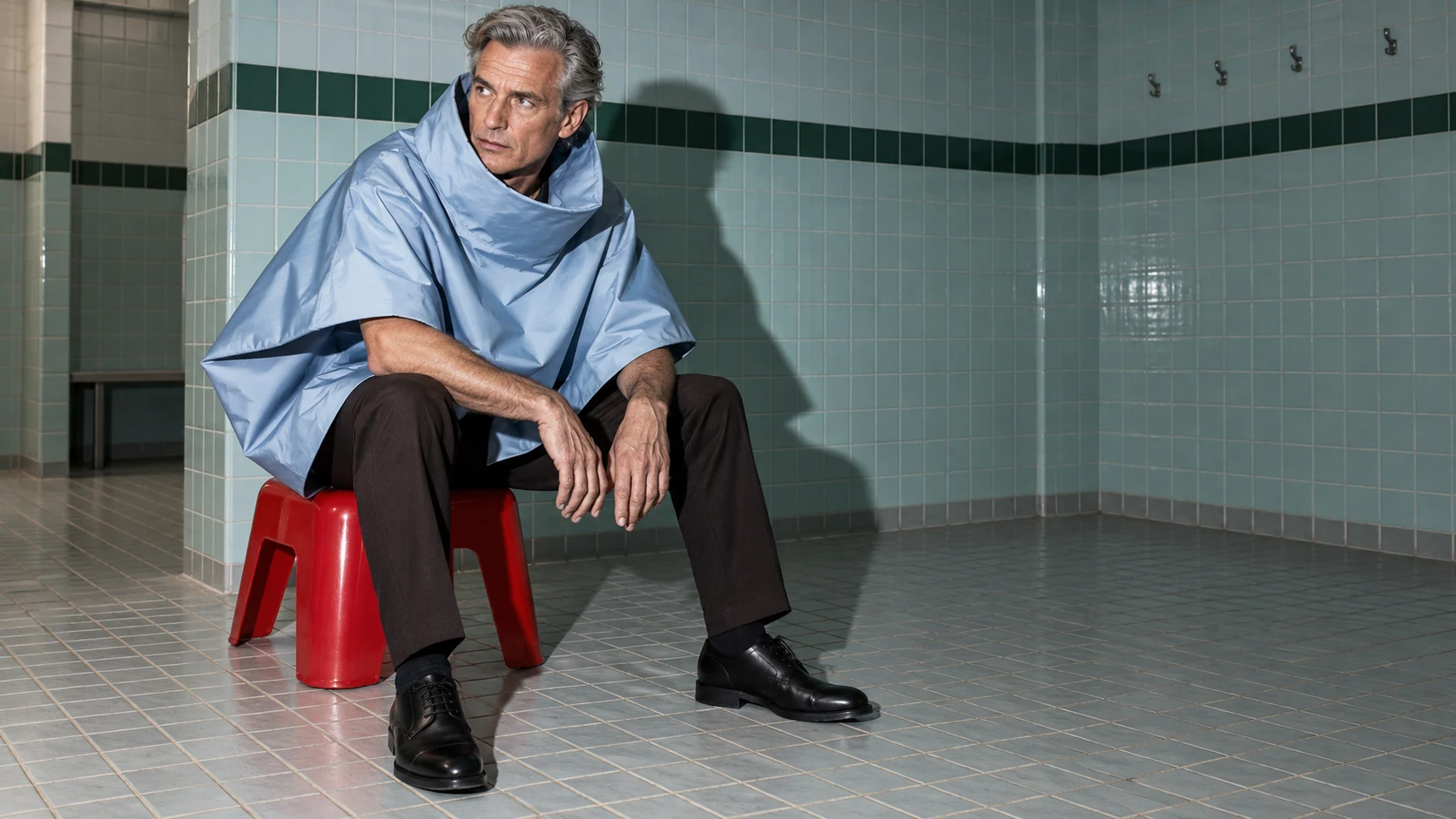
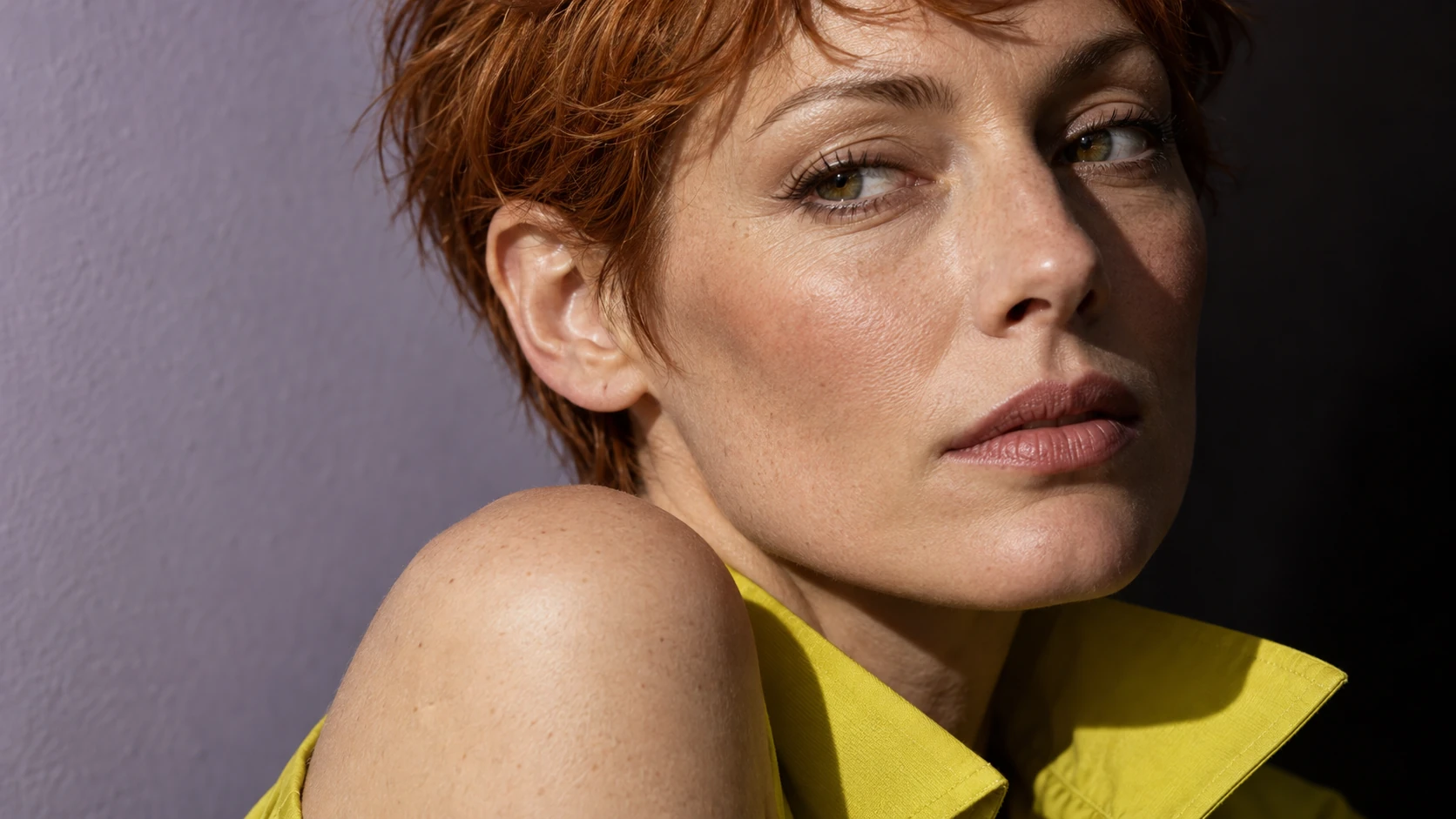
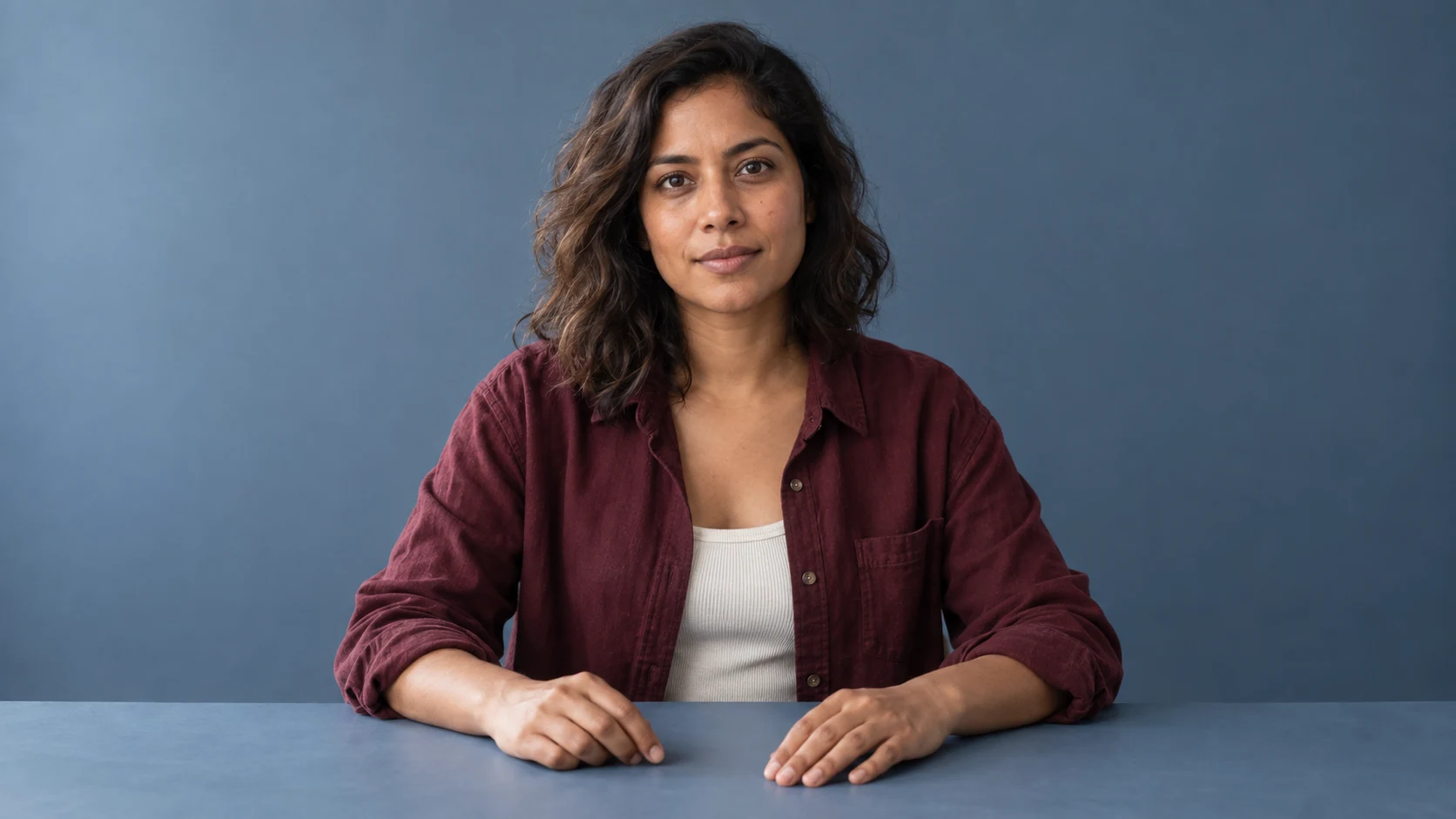
The opening image is a generated studio portrait made for this article. It is not purchased stock or a client case study. The person, styling and setting give us a source to work from.
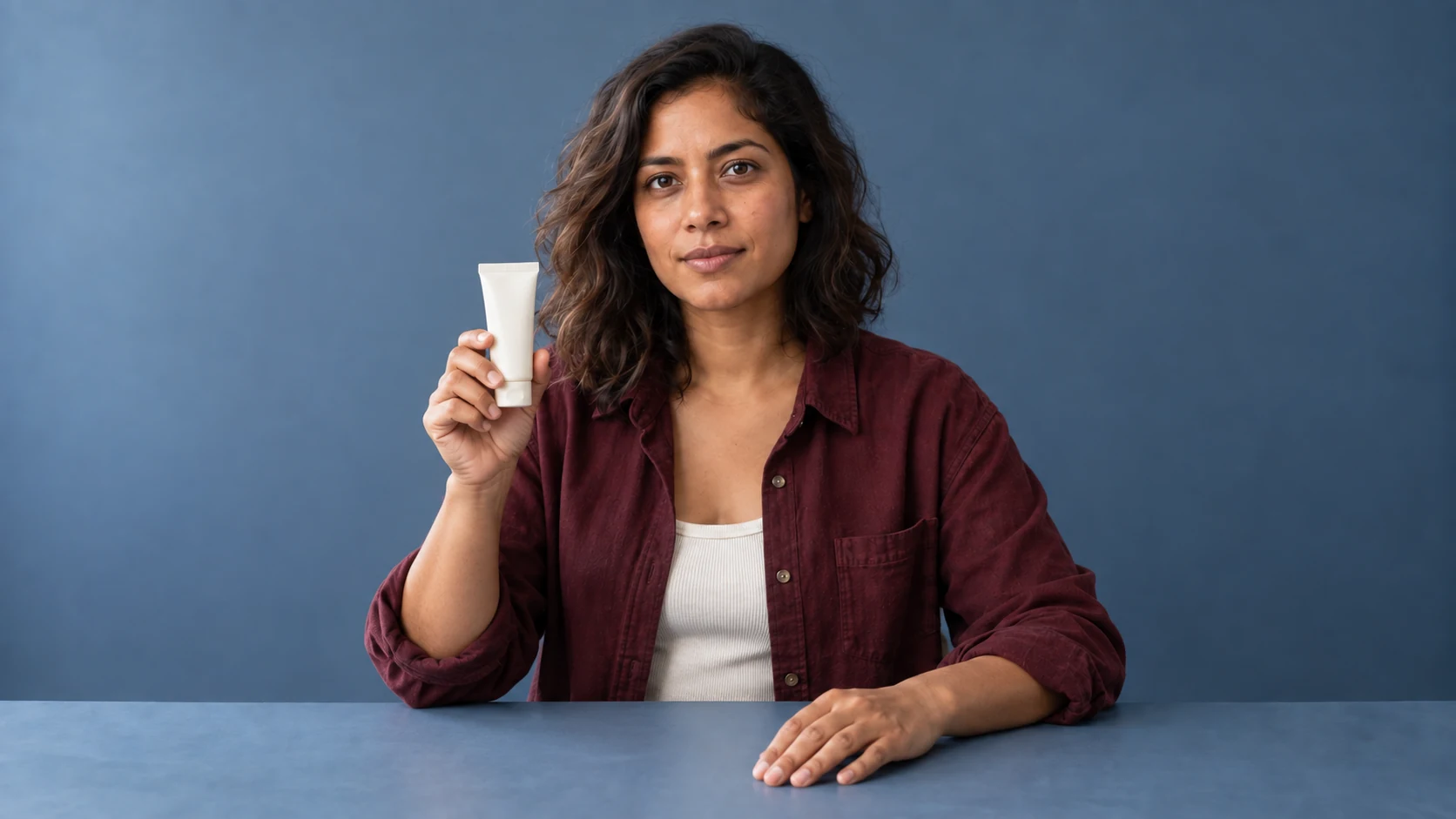
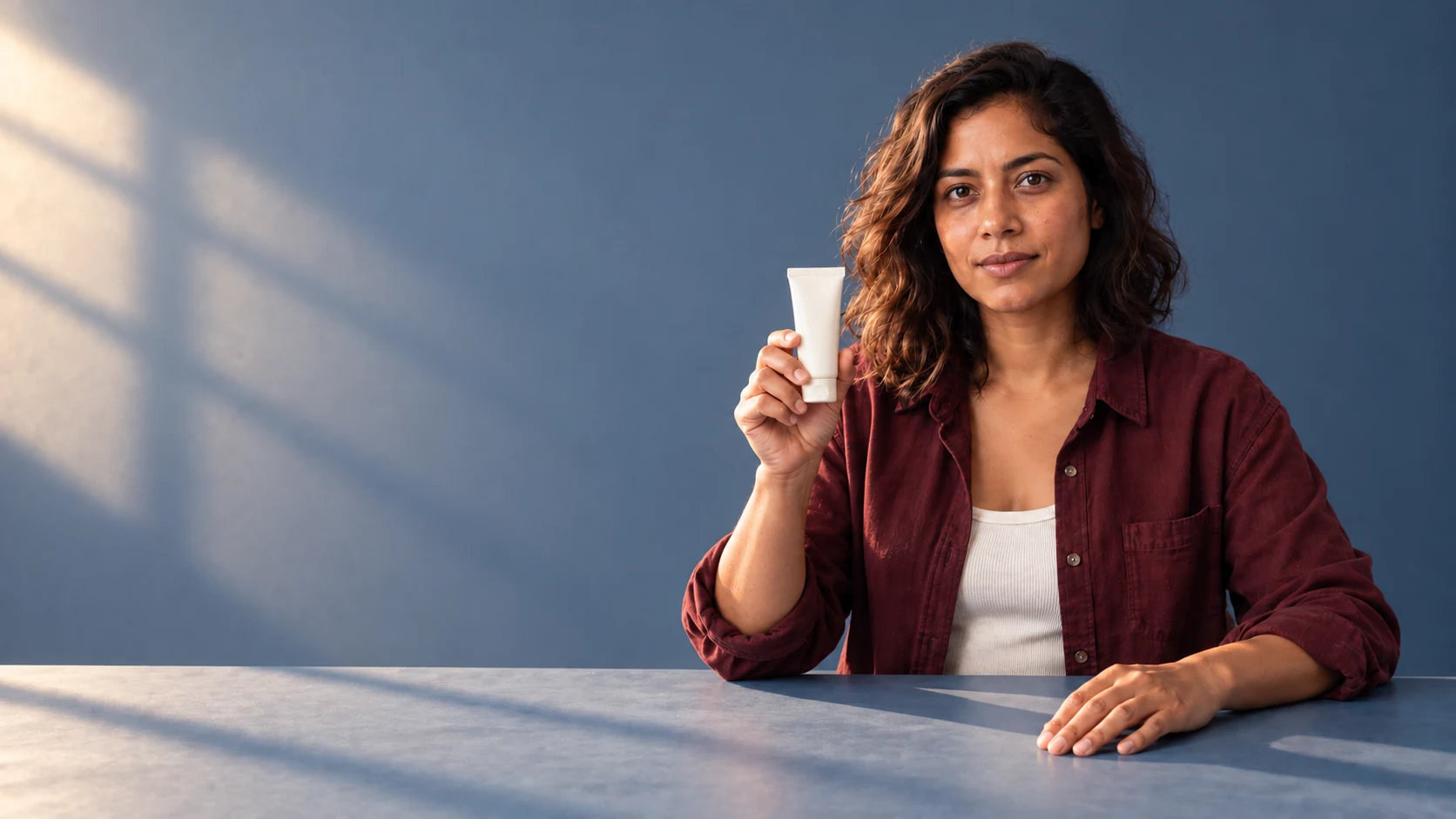
In the next variation, the resting arm lifts and the hand holds an unbranded cosmetic tube. The aim is to change the image’s job: from a general portrait to an interaction that could support a product composition.
These examples were created through generation and reference-based editing. They illustrate the kind of change I am describing; they are not evidence of a separate manual retouching pass. Before using an equivalent image in a real campaign, I would check the identity, grip, tube geometry and every edge at the intended delivery size.
Changing pose or position without losing the person
A pose affects the space around someone as much as it affects the body. Turning a shoulder can open room for a product. Moving a person within the frame can redirect their gaze towards copy or another subject.
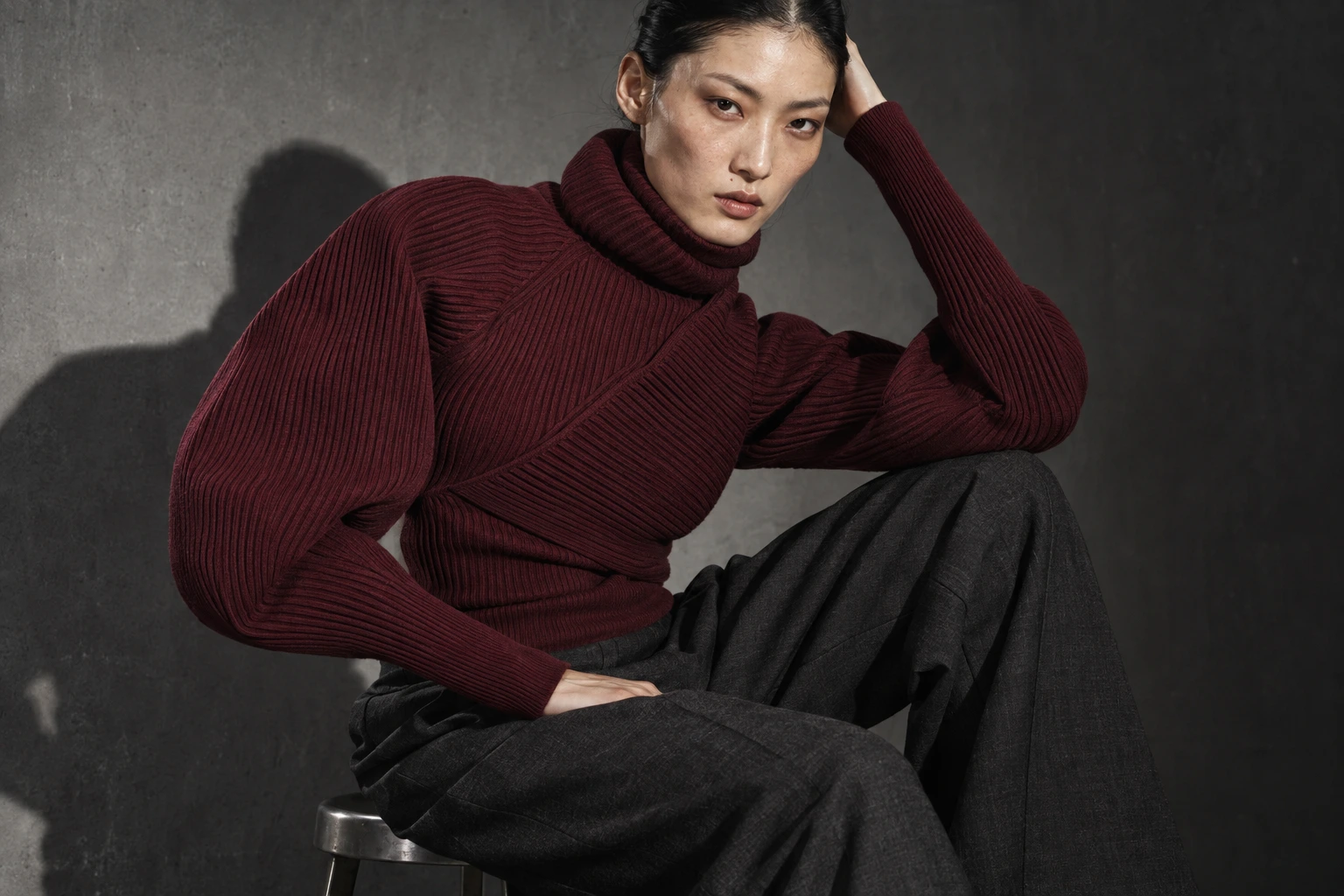
That makes pose editing useful, but it is easy to change too much. I want to keep the person’s character, the clothing construction and the intention of the original image. A new arm position should change the fabric around it. A weight shift should affect how the body meets the chair or floor.
I judge the whole silhouette before getting absorbed in texture. Fine skin detail cannot rescue a shoulder or seated pose that does not make physical sense.
Relighting and extending the frame
Lighting can be the reason two otherwise useful elements refuse to sit together. A soft frontal portrait will not automatically belong in a scene defined by hard side light.
Changing the light means changing its consequences: shadow direction, edge softness, highlights, reflections and the colour returned by nearby surfaces. Simply warming the image is not the same as introducing sunlight from a window.
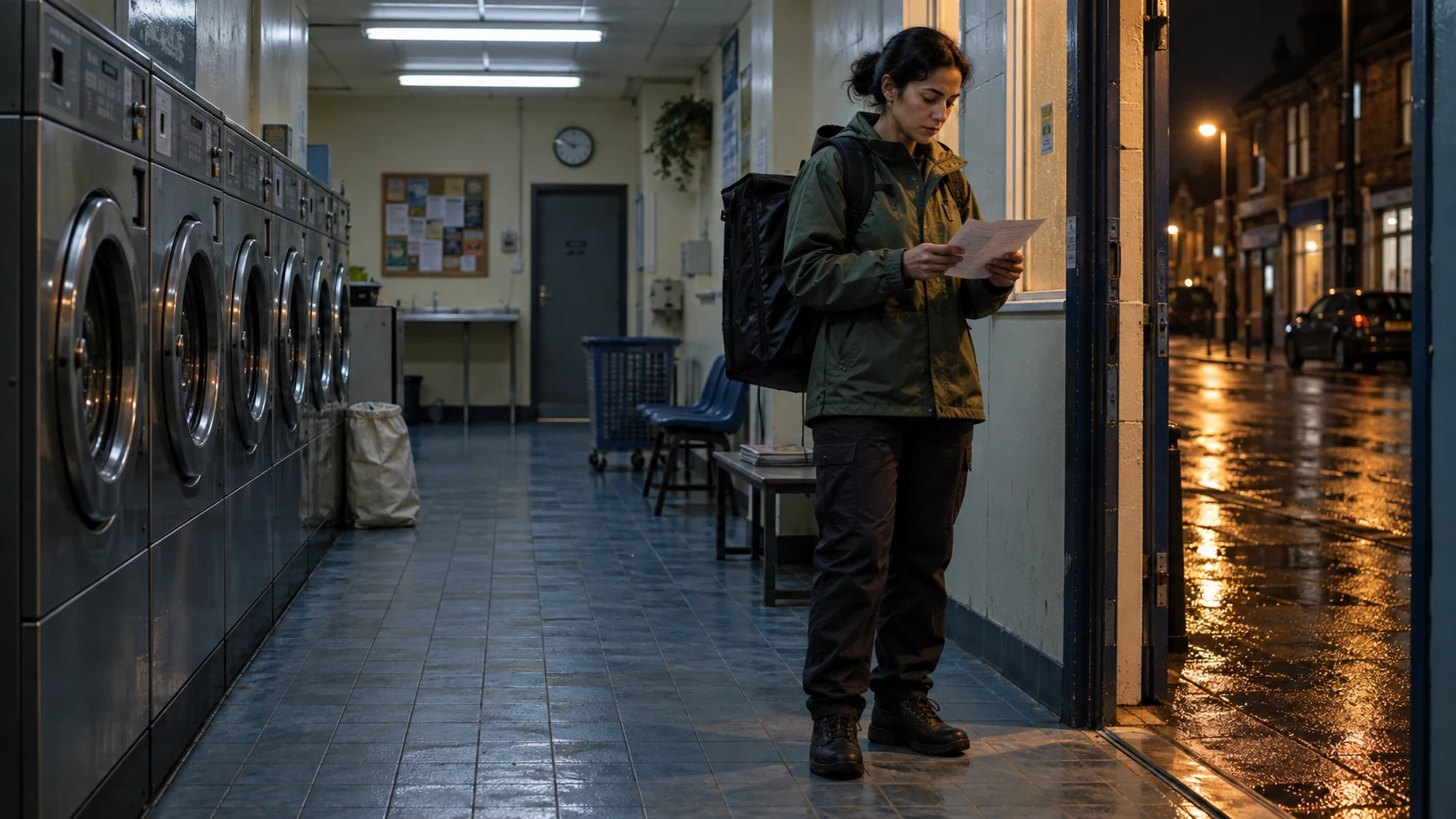
Extending the frame solves another common problem. A portrait may need more environment for a website banner or more space above the subject for a different crop. The extension needs to continue perspective and lighting, rather than repeat nearby shapes until the canvas is full.
The wider example combines a new lighting direction with more breathing room around the person. It is a generated variation of the same source, so identity and product details still need comparison. A wider canvas should serve a placement or composition, not just create more pixels.
Video adds a second test: does the change hold over time?
The same idea is useful for moving images. Generated material can supply a background, an insert or a starting frame that would be difficult to find in a stock library.
But one convincing frame does not prove that a video works. A replacement element must stay attached as the camera or person moves. Hands, fabric, reflections and shadows need to behave consistently across time.
That is where editing, tracking, compositing and finishing remain central. A beautiful generated moment may only be usable for part of a clip. Sometimes the better solution is a shorter shot or a controlled composite rather than asking a generator to solve the whole sequence.
The illustrations here demonstrate still-image changes only. They do not demonstrate a finished video replacement.
More freedom still needs a clear brief
The ability to change an image can encourage endless changes. I find it more useful to name the specific problem first: the hand should explain the product, the pose should open space, or the light should connect the person to the setting.
For brands and agencies commissioning an AI artist or compositor, that is a stronger starting point than asking for “something AI”. Share the image, explain what must remain accurate and identify what is preventing it from working.
Stock has not stopped being useful. AI gives me another way to work with visual material—and more freedom to make the image fit the idea.